Updated May 2026
Client Portal overview
Learn the basic flow: workspace, project, measurement, report and improvement plan.
What you can do in the portal
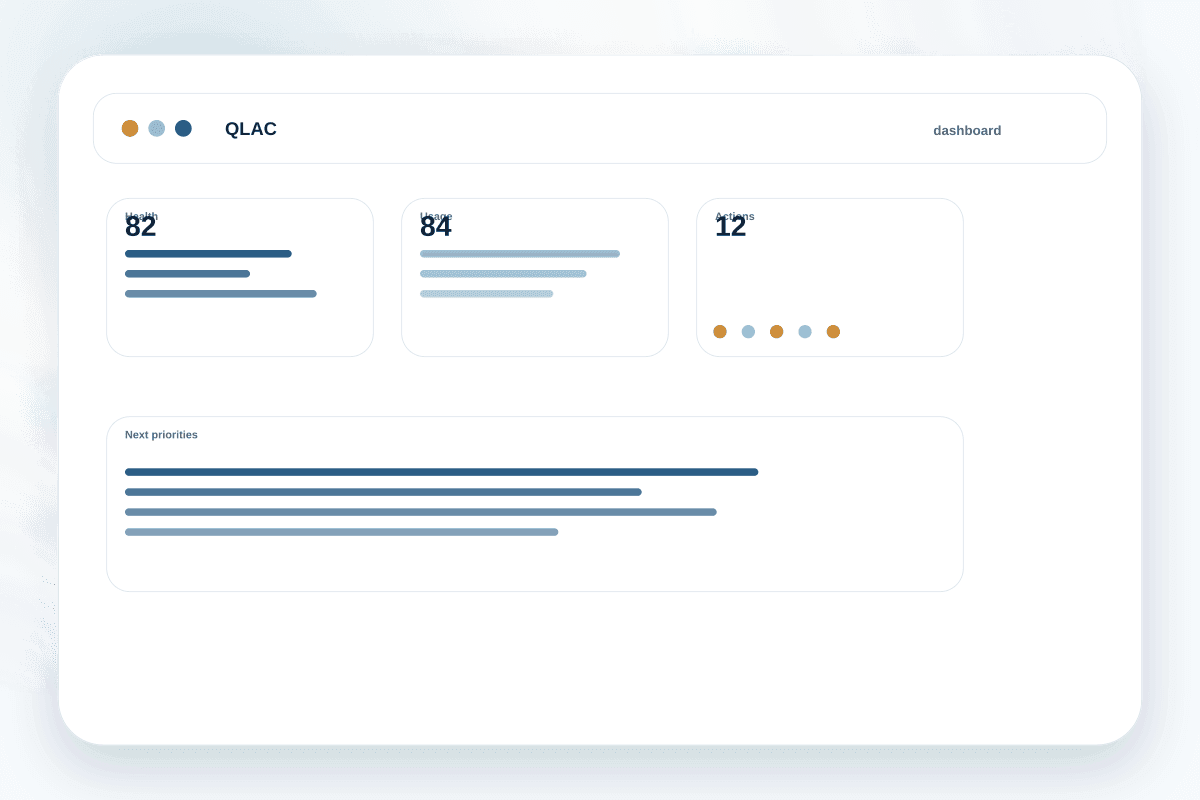
The QLAC Client Portal centralizes your projects' technical quality: lab Lighthouse measurements, INP Risk signals, indexation, reports, roadmap and remediation tracking.
The goal is to avoid isolated metrics. QLAC turns results into priorities and material you can share with clients or teams.
Recommended flow
- 1
Create or confirm your workspace
The workspace groups users, projects, plan and usage limits.
- 2
Add your first project
Register the main URL and minimum context so results are easier to read.
- 3
Run a measurement
Choose Mobile or Desktop. Each run consumes one measurement.
- 4
Turn findings into actions
Use reports, roadmap and remediation to decide what to fix first.